

AI With Web Search: Getting Current Answers With Sources
How AI with web search works, when to turn it on, which models suit search-heavy work, and how to check the sources so your answers are current and trustworthy.
· 6 min read
On this page
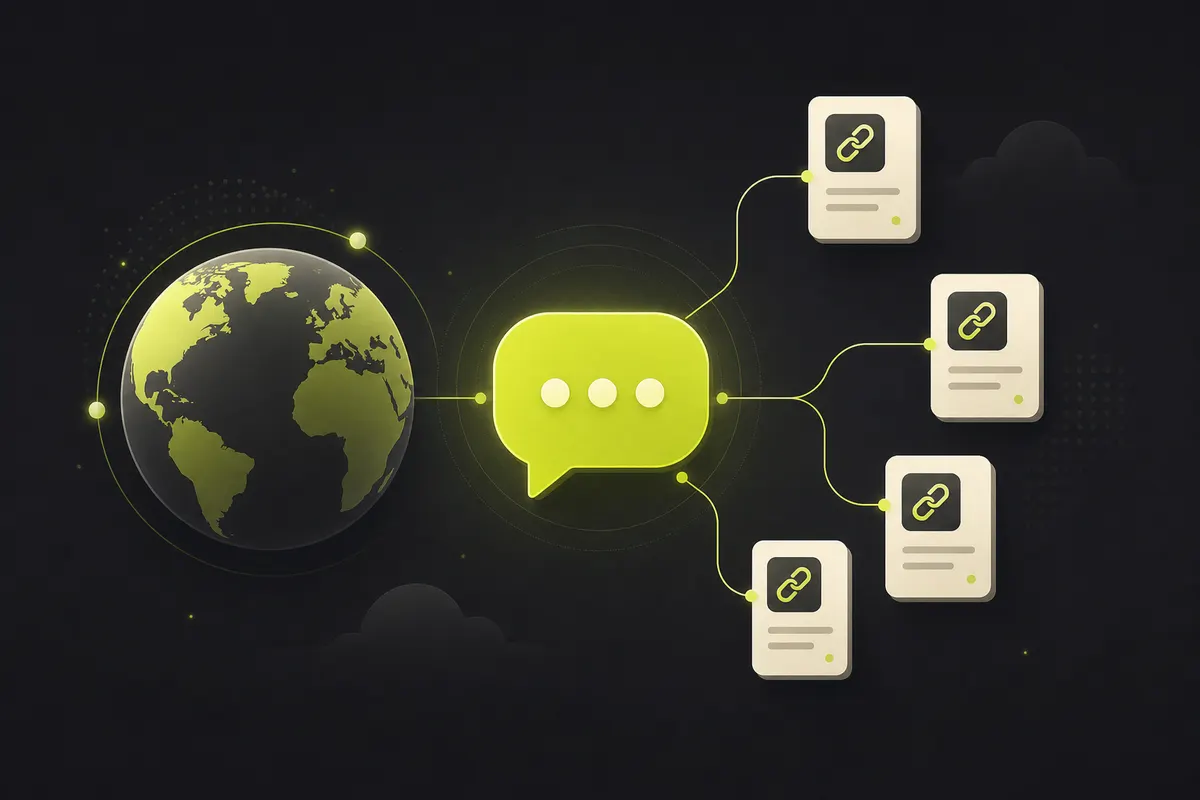
AI with web search lets a model look things up on the live web before it answers, so you get current information plus links to the sources it used. Without search, every model only knows what was in its training data up to a cutoff date, which is why it can be confidently out of date on prices, news, product versions and rules. Turn search on whenever the answer might have changed recently, and always skim the sources it cites.
This guide covers how search works, when it is worth it, which models to use, and how to judge the results. For a broader look at the models themselves, see our guide to the best AI models in 2026.
Why AI models need web search
A language model learns from a large snapshot of text, then training stops. Everything after that point is invisible to it unless it can look it up. That has a few practical effects:
- Outdated facts. Prices, product specs, office holders, sports results and software versions may all have changed.
- Missing events. A model cannot know about news, releases or announcements after its cutoff.
- Confident guesses. When a model does not know, it may still produce a plausible-sounding answer rather than saying so.
Web search addresses all three. The model runs searches, reads the results, and writes an answer grounded in what it found, with citations you can open.
How AI web search works
The process is broadly the same across providers:
- The model reads your question and decides what to search for, often running several searches with different wording.
- It reads the top results, pulling out relevant passages.
- It writes an answer that combines what it found with what it already knows.
- It lists sources, so you can click through and check.
The quality of the answer depends on both the model and the sources it finds. A strong model can still give a weak answer if the top results for a topic are thin or unreliable.
When to turn web search on
Search is most useful when the answer depends on recent or changing information.
| Turn search on for | Search usually not needed for |
|---|---|
| News and recent events | Explaining a stable concept |
| Current prices and plans | Rewriting or editing your text |
| Software versions and new library releases | Brainstorming ideas |
| Laws, rules and deadlines that change | Math and logic problems |
| Product comparisons and reviews | Summarizing a document you attached |
| Company and market facts | Writing in your own voice |
| Travel, opening hours, schedules | General how-to questions on stable topics |
When you are not sure, ask yourself: could this answer be different from a year ago? If yes, use search.
On Palvoro, web search is an optional switch per prompt, and it is charged only when you use it. That keeps everyday prompts at the normal rate and adds the search cost only where you need fresh information.
Which models to use for web search
Search-first models: Perplexity Sonar
Perplexity's Sonar models are built around search rather than having it added on.
- Sonar Reasoning Pro searches the web and reasons over the results, giving a cited answer to a specific question. It suits questions like "what changed in this regulation this year" or "compare the current plans of these three tools."
- Sonar Deep Research Pro runs a longer, multi-step research process and returns a fuller report with sources. It suits topic overviews, market scans and background research rather than quick lookups. It takes longer to answer.
Any chat model with search turned on
You can also switch on search for GPT-6, Claude, Gemini, Grok or DeepSeek models. This is useful when you want a particular model's strengths (Claude's writing, GPT's structure, Grok's directness) combined with current facts. For example, Claude Sonnet 5.5 with search can draft an article that cites recent sources, while Grok 4.7 with search is popular for talking through current topics. Our Grok vs ChatGPT comparison looks at that pairing.
| Model | Good search use | Words per credit |
|---|---|---|
| Sonar Reasoning Pro | Cited answers to specific questions | 4 |
| Sonar Deep Research Pro | Long research reports | 3 |
| GPT-6.2 Sol | Structured summaries of current info | 3 |
| Claude Sonnet 5.5 | Writing with recent sources | 3 |
| Grok 4.7 | Conversation about current topics | 5 |
| Gemini 3.8 Flash | Quick, cheap lookups | 6 |
The words-per-credit rate covers the text in and out. The search itself is a separate per-use charge when you turn it on.
How to check AI search results
Search makes answers more current, not automatically correct. A few habits keep you safe:
- Open at least one source for any fact you plan to rely on or repeat. Check that the page actually says what the answer claims.
- Look at the source type. An official vendor page or government site is stronger than an anonymous forum post or a scraped list.
- Check the date on the source. Search can still surface an old article.
- Watch for blended answers. The model may mix what it found with what it remembered. If a claim has no citation, treat it with more caution.
- Ask for sources directly. "Which source says that?" is a fair follow-up, and a good model will point to it or admit it cannot.
For anything with real consequences, such as legal, medical, financial or safety questions, use the AI answer to find the right official sources, then read those yourself.
Web search plus thinking mode
Search and thinking do different jobs. Search brings in new information; thinking helps the model reason carefully about it. Some questions need both, such as "given current prices, which of these plans is cheapest for a team of five with these needs?" Search finds the prices; thinking does the comparison without arithmetic slips.
Most questions need only one. A news question needs search but little reasoning. A logic puzzle needs reasoning but no search. Turning on only what the task needs keeps answers faster and cheaper. Our explainer on AI thinking mode covers when reasoning is worth it.
Getting better answers from AI search
A few prompt habits help:
- Be specific about time. "As of this month" or "released this year" pushes the model toward recent sources.
- Name the kind of source you trust. "Use official documentation" or "prefer the vendor's own pricing pages."
- Ask for a table when comparing several products, with a source link per row.
- Ask what is uncertain. "Flag anything where sources disagree" gets you a more honest answer.
- Compare two models on the same search question. Palvoro's Double Chat sends one prompt to two models side by side, so you can see whether they found the same sources. Our guide on how to compare AI models side by side explains how to score the results.
To try search on your own questions, sign up free and you get 150 free credits, no card required. For how the search models fit alongside the rest of the field, see our complete AI model comparison.
FAQ
Can AI search the internet?
Many models can when web search is turned on. They run searches, read the results and answer with sources. Without search, a model only knows what it learned up to its training cutoff.
Which AI is best for web search?
Perplexity's Sonar Reasoning Pro is built around search and gives cited answers, and Sonar Deep Research Pro produces longer research reports. You can also turn on search for GPT, Claude, Gemini, Grok and DeepSeek models when you want their particular strengths.
Are AI search answers accurate?
They are usually more current than answers without search, but not guaranteed to be right. Open the cited sources for any fact you rely on, check their dates, and treat uncited claims with caution.
Does web search cost extra?
On Palvoro, web search is optional per prompt and charged only when you use it, on top of the normal text cost. Leave it off for prompts that do not need current information.
More on ai model comparisons
- Complete guideBest AI Model 2026: GPT-6, Claude, Gemini, Grok and DeepSeek
- AI Thinking Mode Explained: When Reasoning Is Worth It
- Best AI for Writing: Blog Posts, Emails and Long-Form Content
- ChatGPT vs Claude in 2026: Which One Should You Use?
- Claude vs Gemini: Strengths, Weaknesses and When to Use Each
- DeepSeek vs ChatGPT: Is the Cheaper Model Good Enough?
- Grok vs ChatGPT: How xAI's Model Compares in 2026